
Pulse-Controlled Cooling
Set your heart rate range to control airflow and the airflow adapts in real time to your heart rate. Consistent, responsive cooling—exactly when you need it.
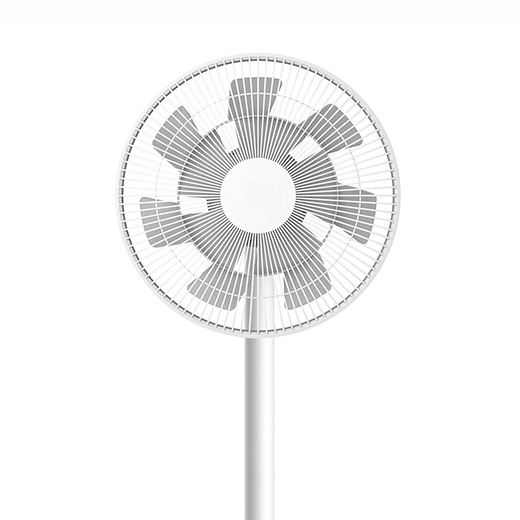
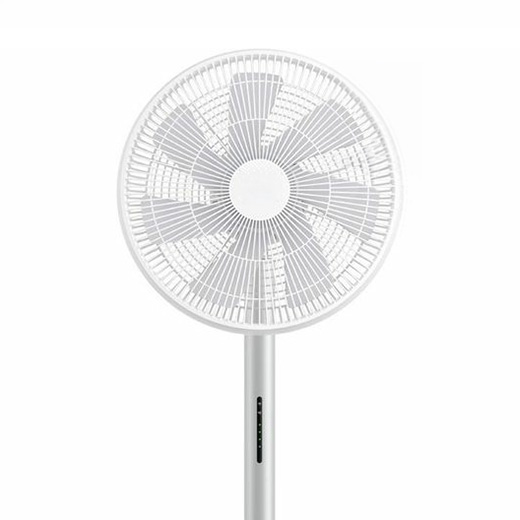
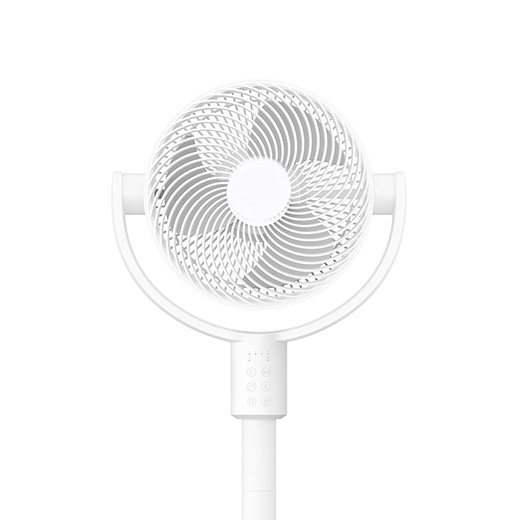
Homewind is an open-source project to turn your Xiaomi Smart Fan into a responsive, heart-rate-controlled training companion that adapts to your heart rate.
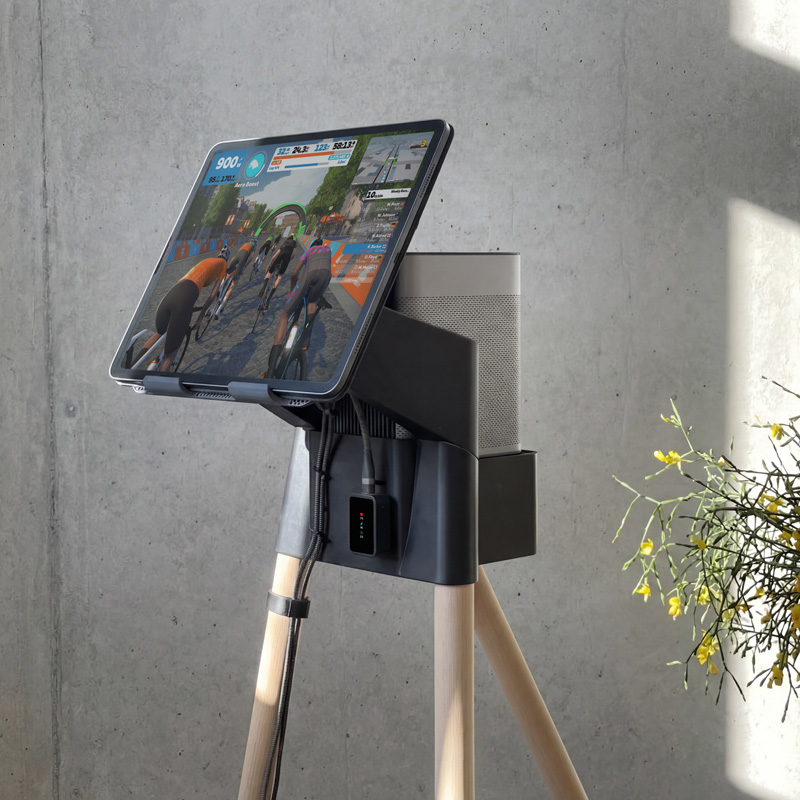
Plus it acts as a Bluetooth sensor hub for Zwift & Rouvy reducing connection limits on Apple TV setups.
Less setup. More focus.
Built for the cycling community.
Set your heart rate range to control airflow and the airflow adapts in real time to your heart rate. Consistent, responsive cooling—exactly when you need it.

Cool your home in summer.
Stay cool while you train in winter.
Use the fan you already own.
No expensive indoor training fan required.

Connect multiple sensors through a single Bluetooth connection to your Apple TV.
Heart rate. Power. Speed. Cadence.
No more extra Zwift & Rouvy Companion app.
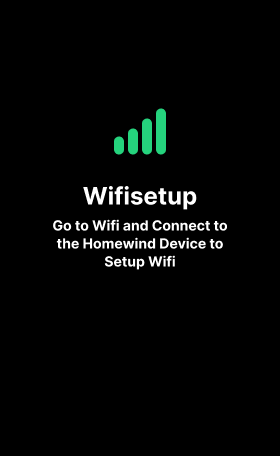
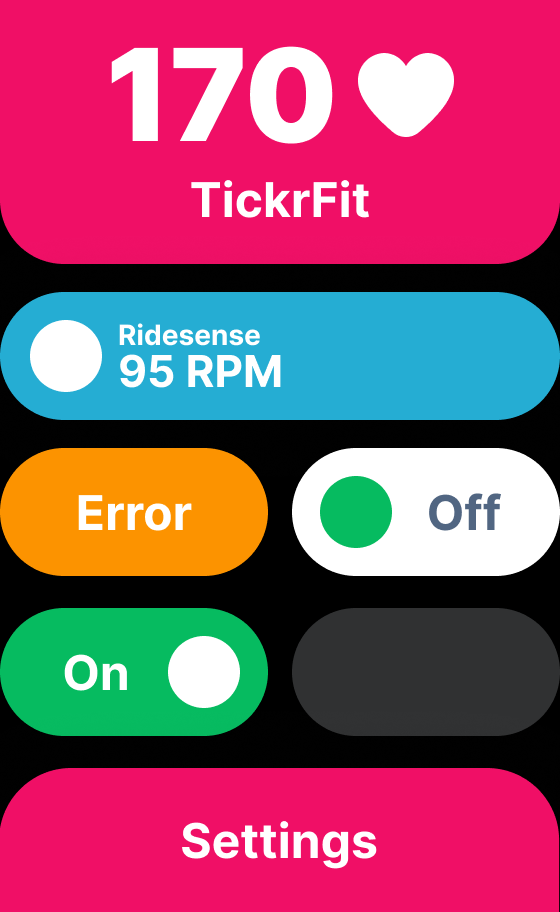

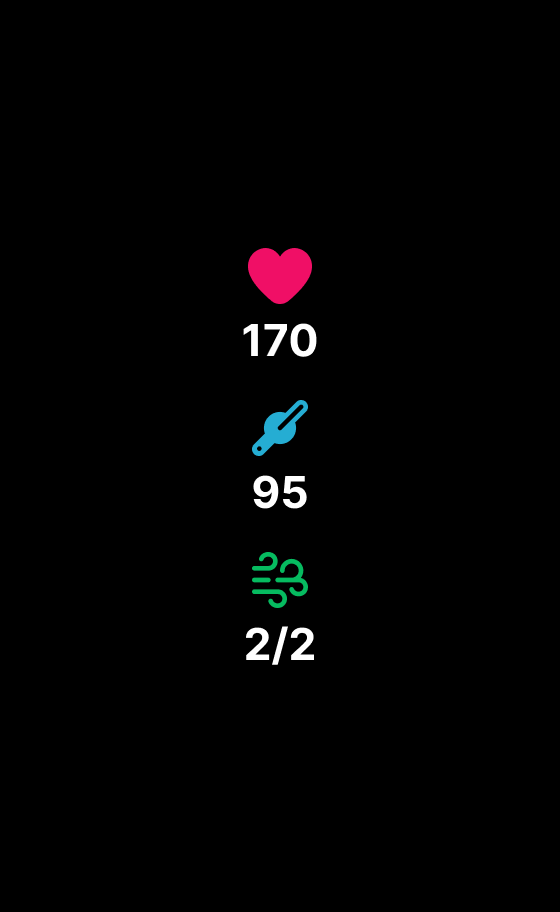
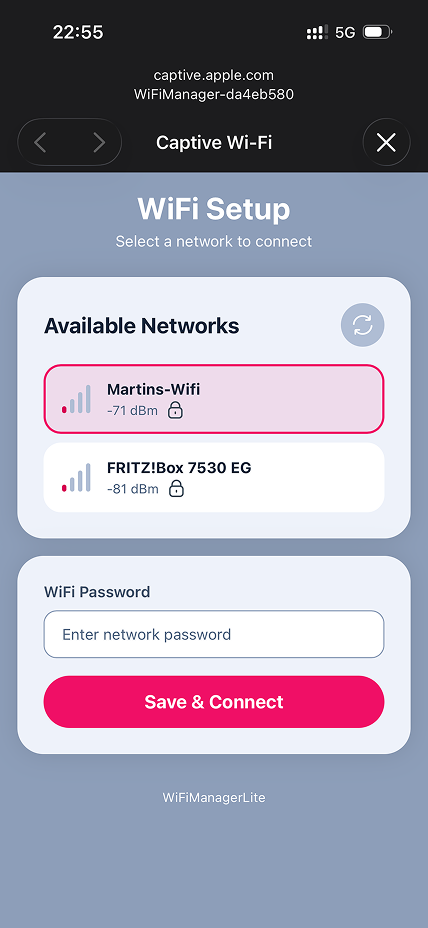
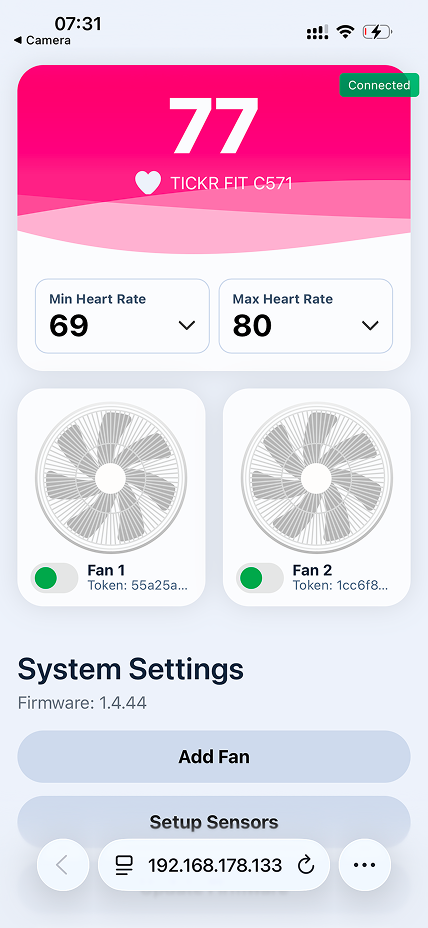
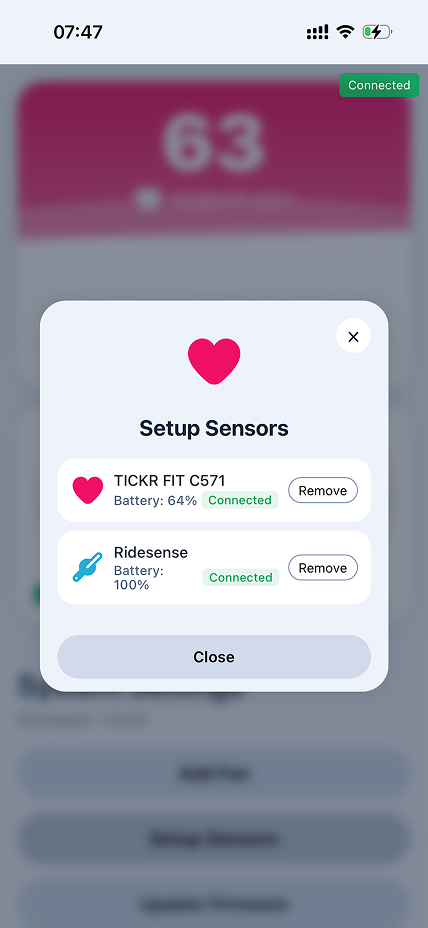
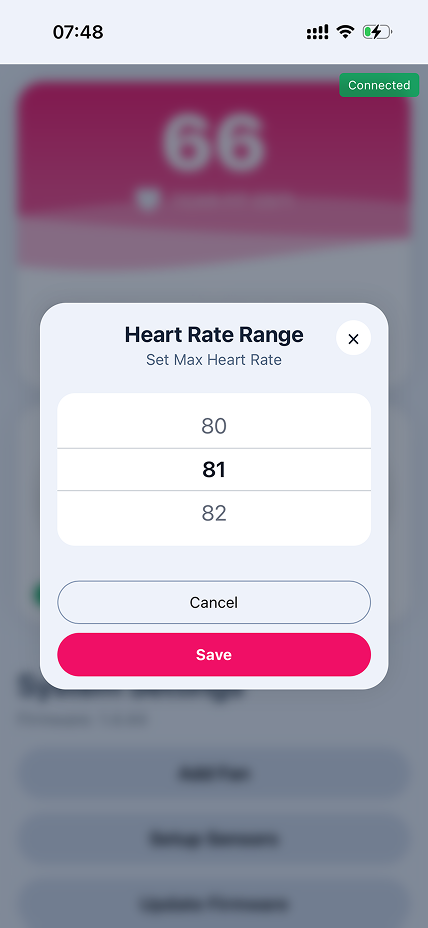
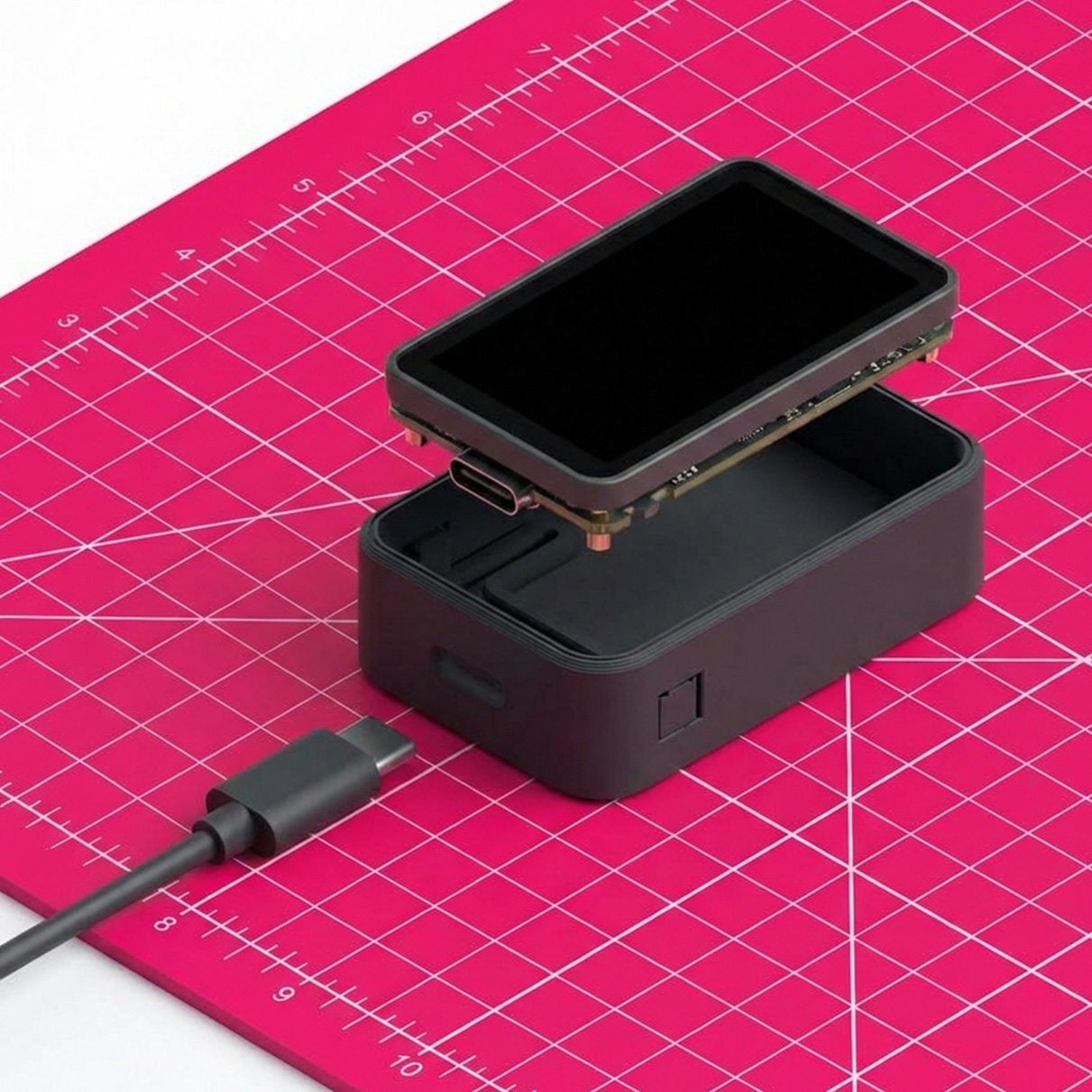
Homewind offers two options: Homewind Touch with a user-friendly touchscreen and Homewind Basic with a straightforward web interface. Choose your preferred setup!
Touchscreen interface with effortless setup. Fully customizable through your web browser. Uses Waveshare ESP32-S3-Touch-Amoled-1.64.
This is an affiliate link. I may earn a commission at no extra cost to you.
Web interface with easy setup. Completely customizable through your browser. Uses Seeed Studio XIAO ESP32-S3.
This is an affiliate link. I may earn a commission at no extra cost to you.
One-click firmware install. Right in your browser.
Connect your ESP32 S3 via USB and click to begin.
 USB Cable Required
 Chrome/Edge Browser
3D Print your Homewind housing and Homewind stand from Makerworld
Follow these steps to get your Homewind up and running
.local appended, e.g. homewind-2613cfd0.local
Help shape an open, community-driven way to train smarter.
Open source. Built for personal use.
Homewind is provided as open-source software for private,
non-commercial use at no cost. Any commercial use requires a
separate license. Commercial licensing terms are currently under
development and may change during the beta phase.
Free for private, non-commercial use.
Commercial use requires a separate license.
The software is currently in beta.
 Support Homewind Project
Get in touch - we'd love to hear from you

 GitHub